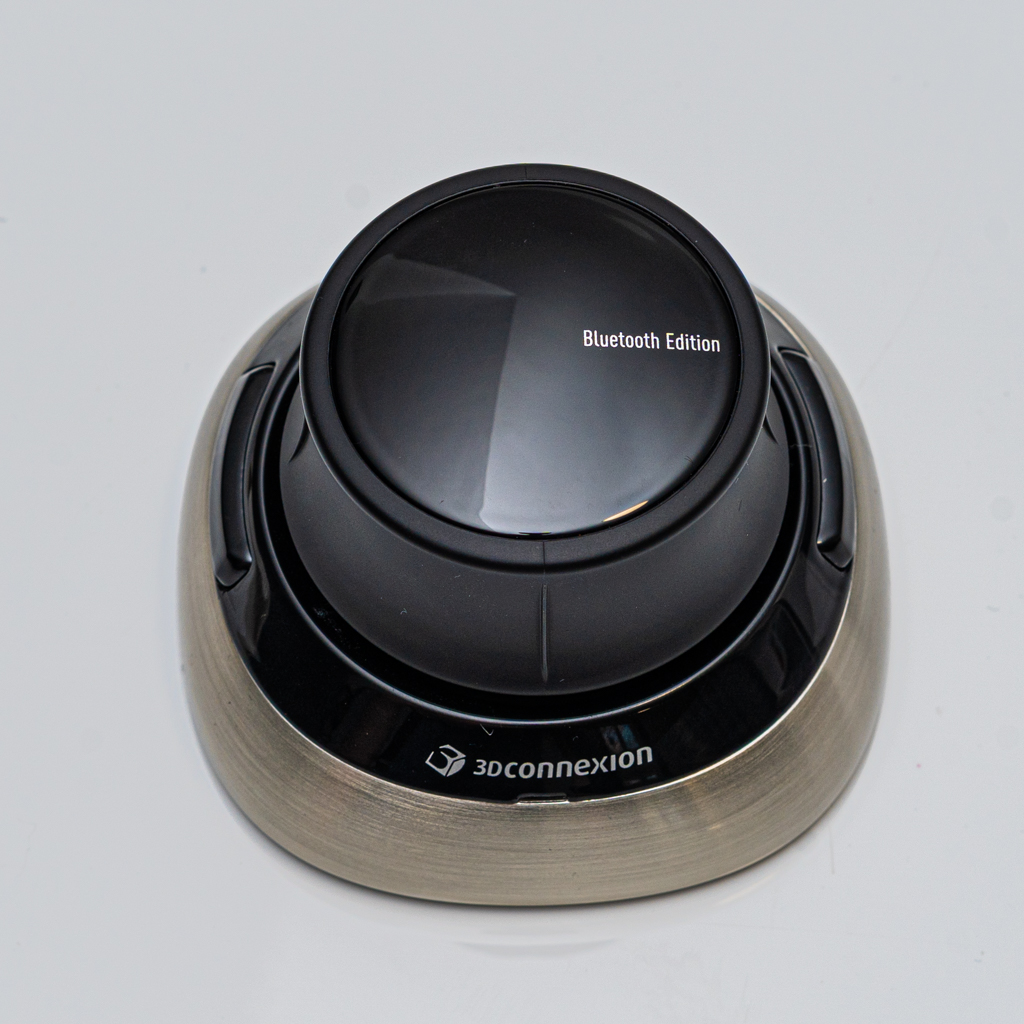
If you work with 3D software on a daily basis, you already know how much time is lost navigating scenes rather than creating. The SpaceMouse 3D is one of those tools that feels optional until you use it once. After that, it becomes essential.
I use the SpaceMouse 3D mainly with Blender on an iMac, and it has fundamentally improved the way I interact with 3D scenes.
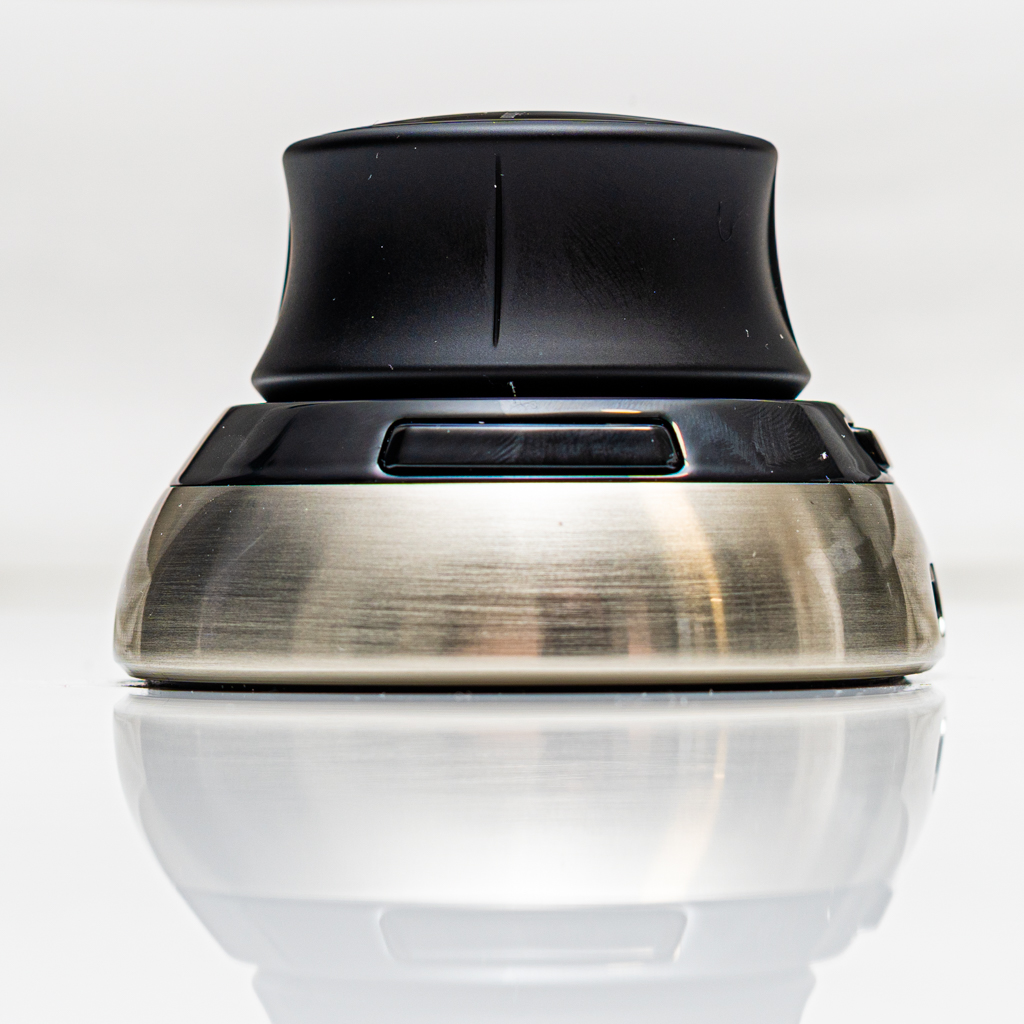
Easy to Use from Day One
The learning curve is surprisingly short. The 3D navigation quickly becomes intuitive, allowing you to pan, zoom and rotate smoothly at the same time. Within minutes, it feels natural and far more efficient than relying only on a mouse and keyboard.
Bluetooth and Clean Setup
The Bluetooth connection works reliably and keeps the desk free of unnecessary cables. This is especially useful if you value a clean, minimal workspace or frequently work with a laptop or all‑in‑one setup like the iMac.
Long‑Lasting Battery
Battery life is excellent. Once fully charged, it lasts for a long time without constant recharging, which makes it dependable for long projects and daily professional use.
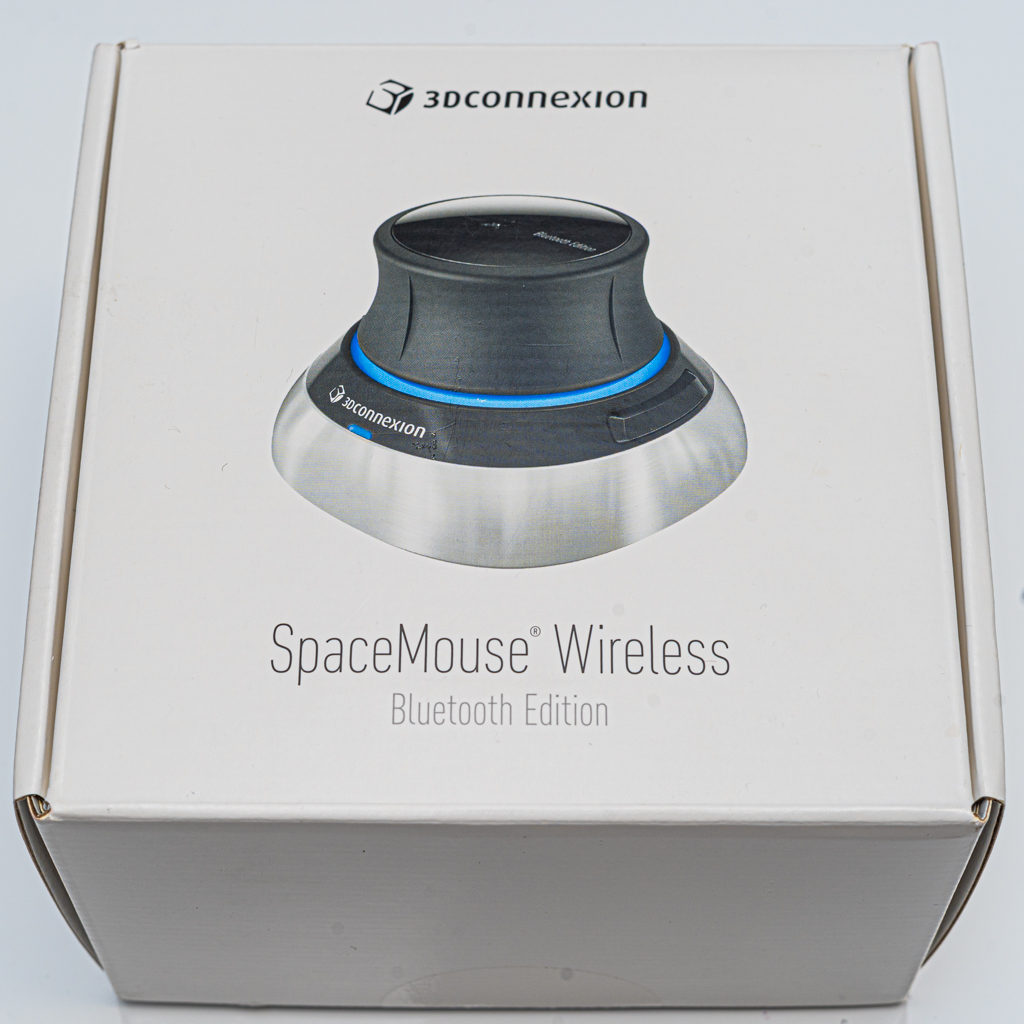
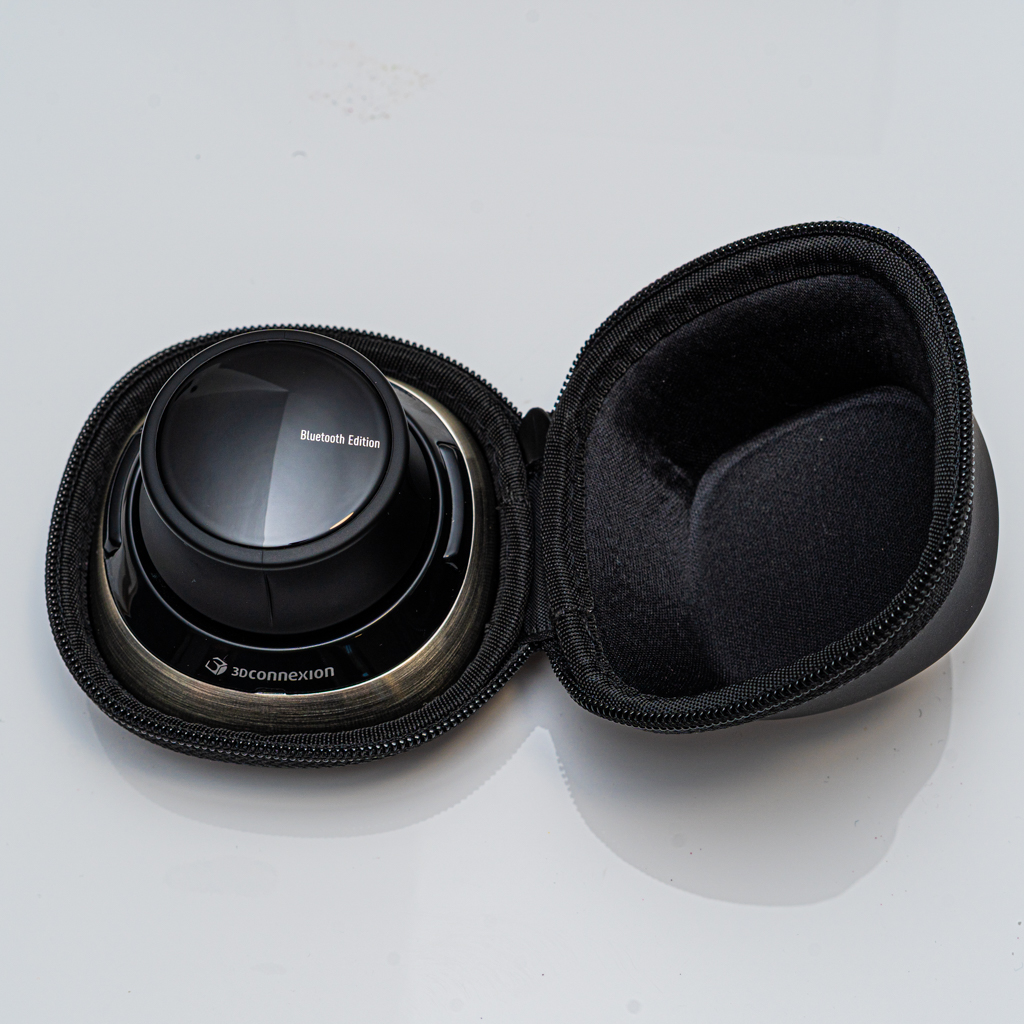
Sturdy, High‑Quality Build
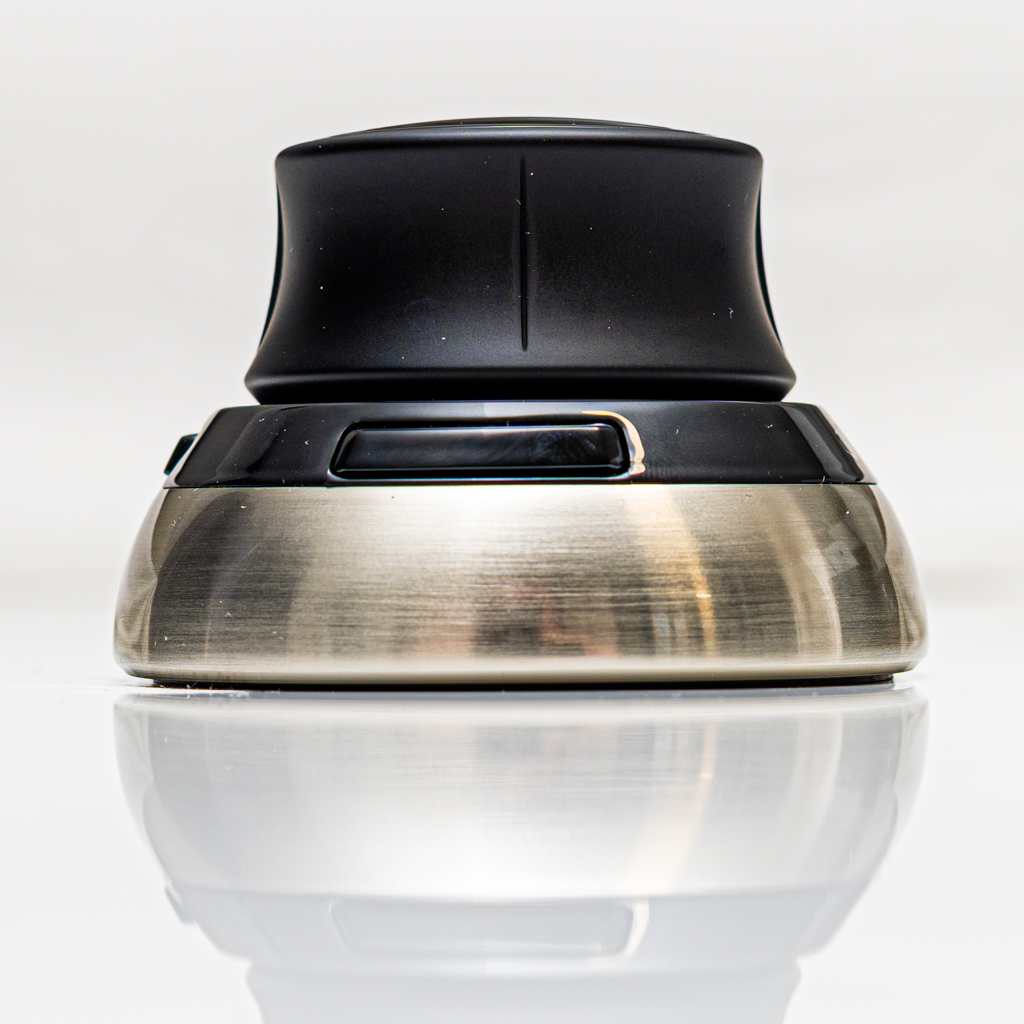
The SpaceMouse 3D feels solid and well built. The materials are clearly high quality, with a reassuring weight and durability that match its professional positioning. This is not a toy or a gimmick — it is a serious tool.
Simple Installation
Installation is straightforward. Drivers and software are easy to set up, and Blender recognises the device without hassle. You can customise sensitivity and buttons if needed, but the default settings already work well.
Perfect Companion for Blender
For Blender users, the SpaceMouse 3D makes navigation smoother, faster and more precise. Orbiting complex scenes, positioning the camera, and inspecting details become effortless, allowing you to focus more on creative decisions instead of controls.
Included Accessories
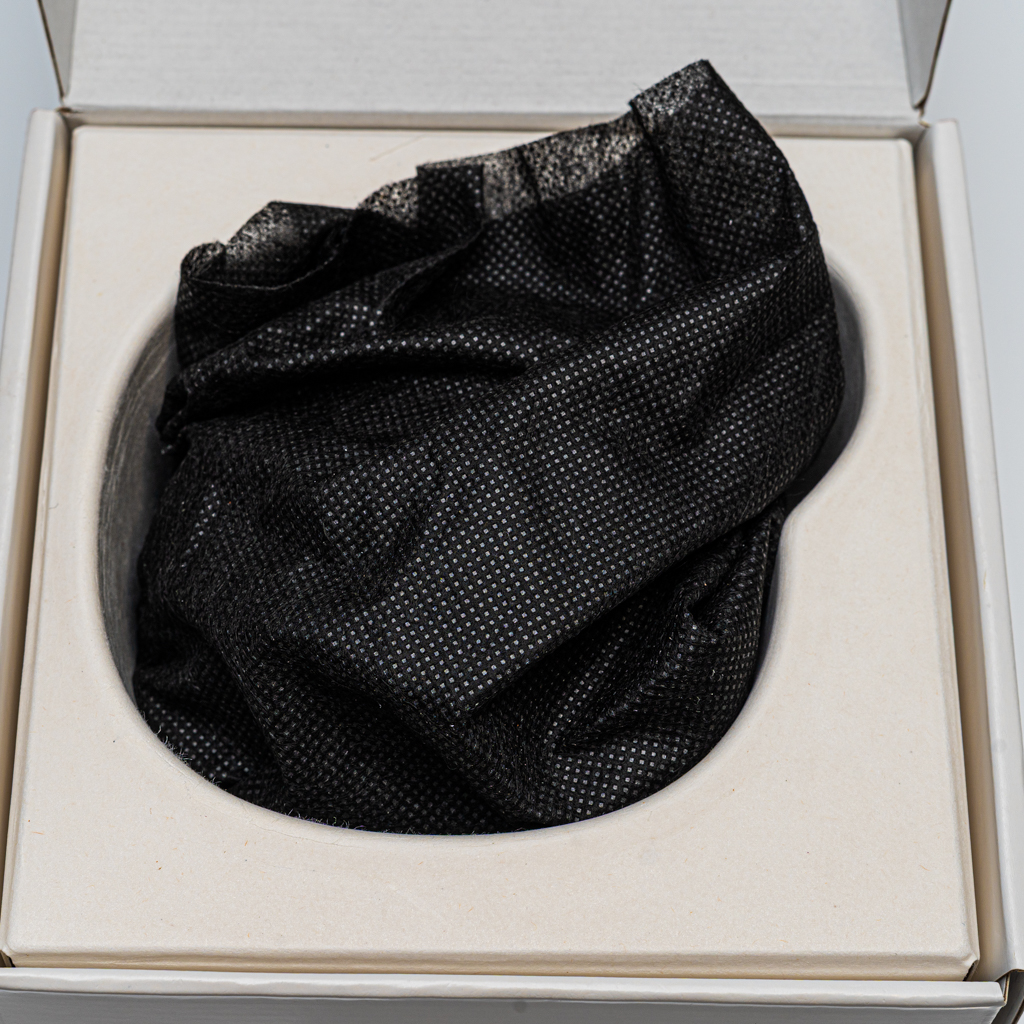
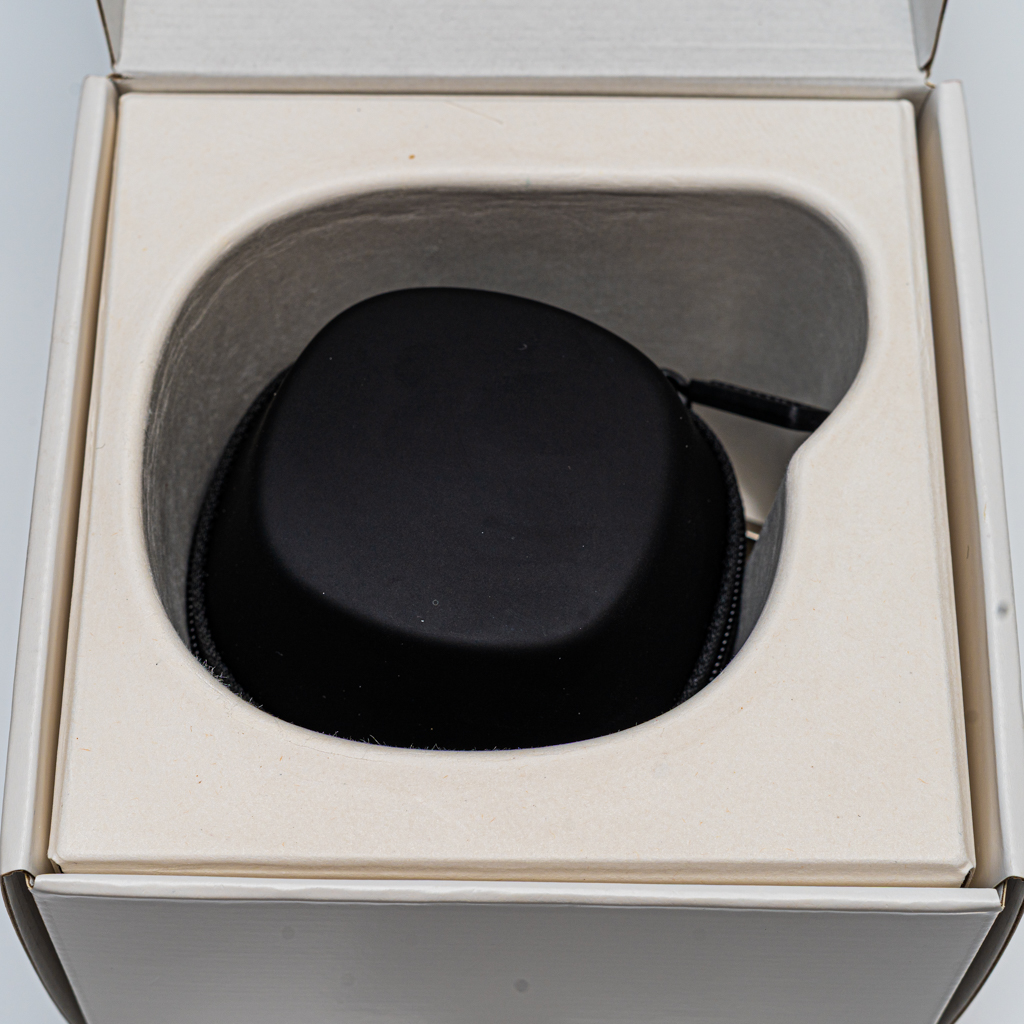
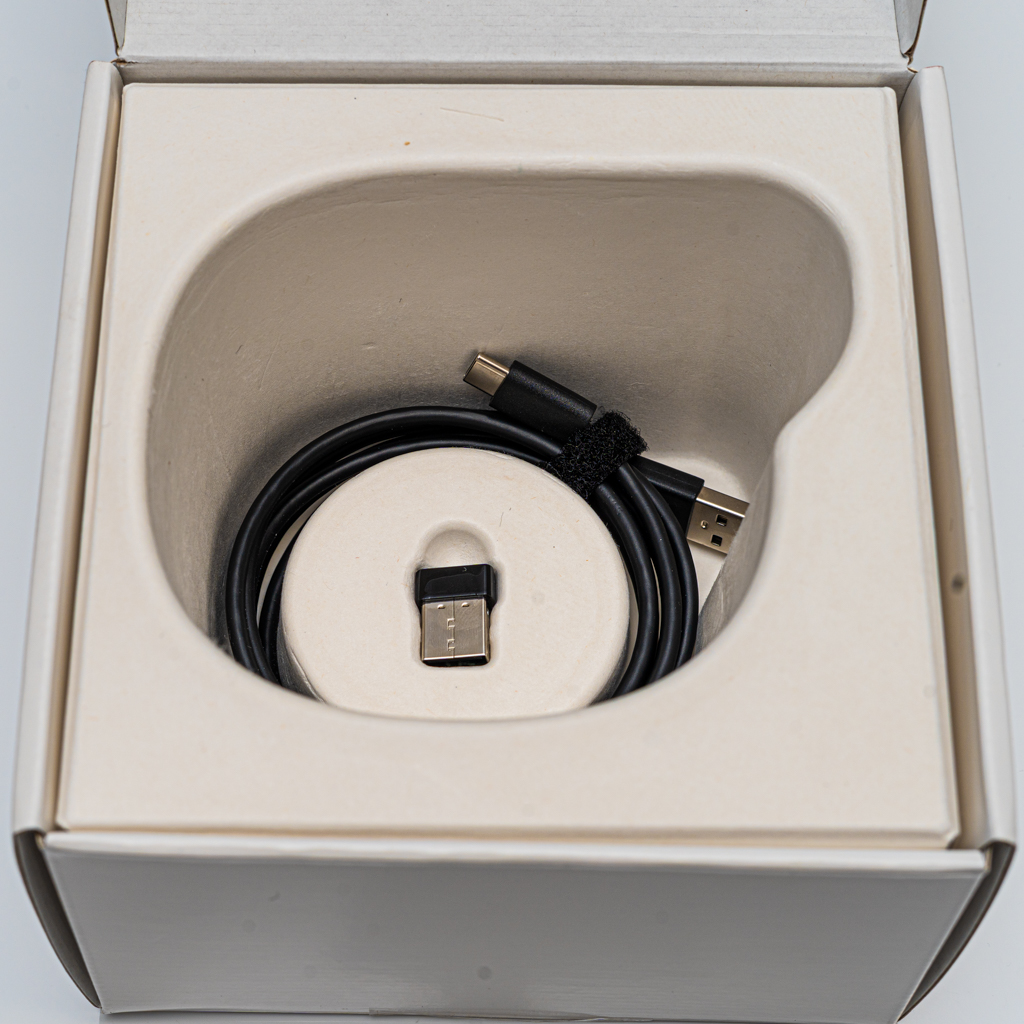
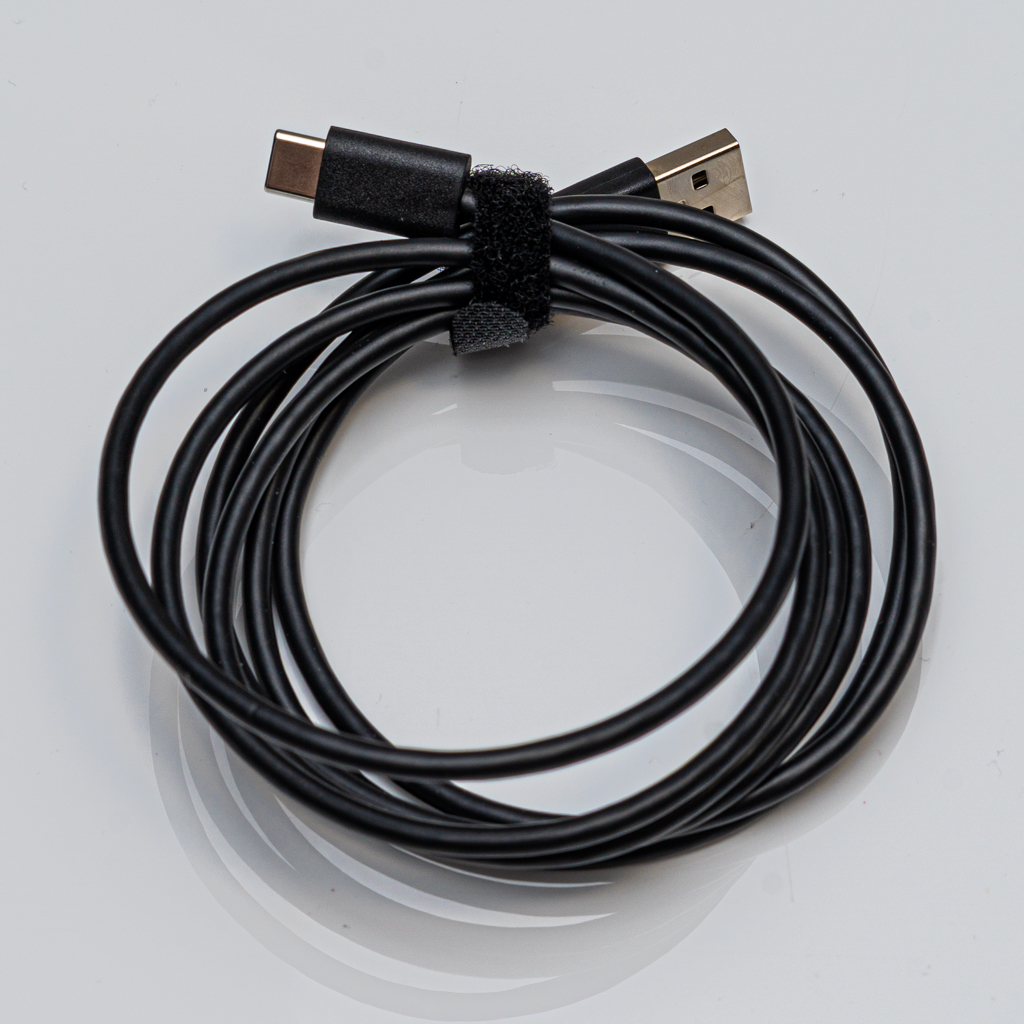
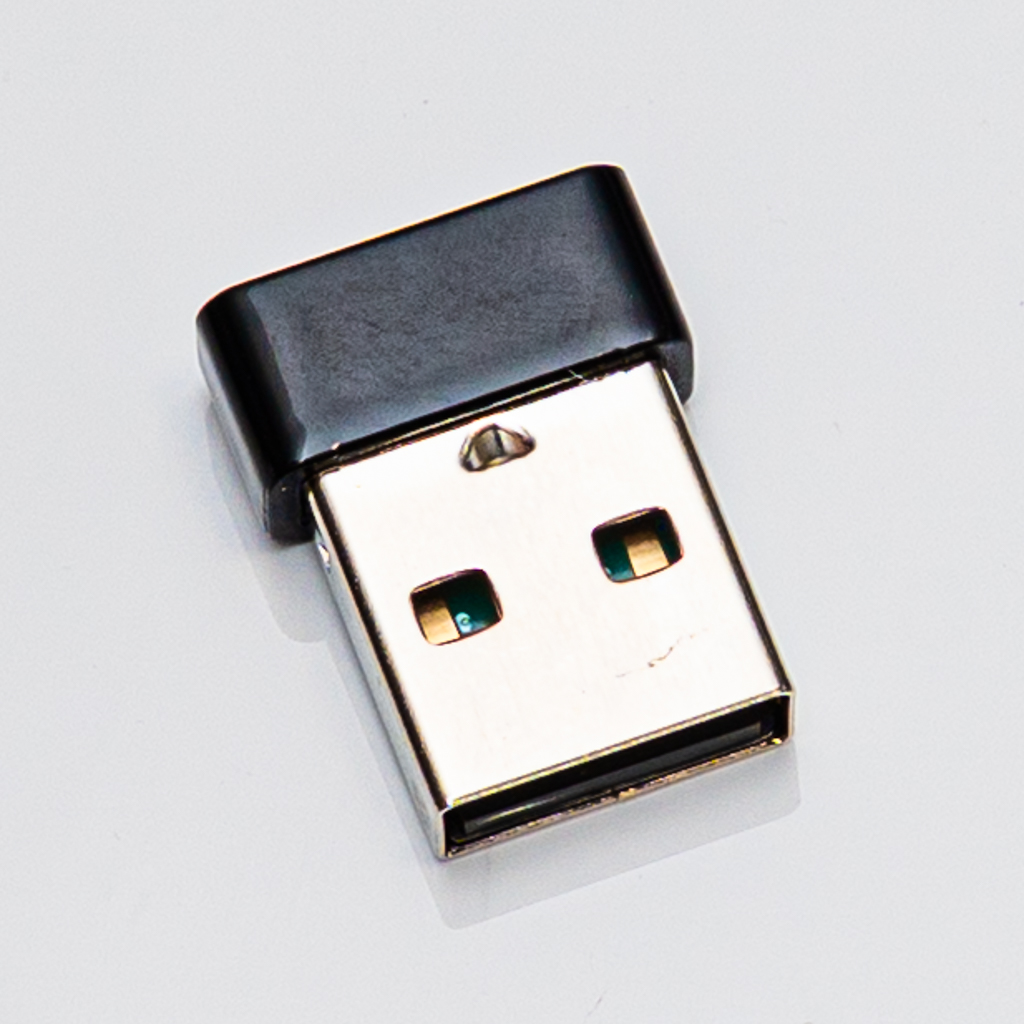
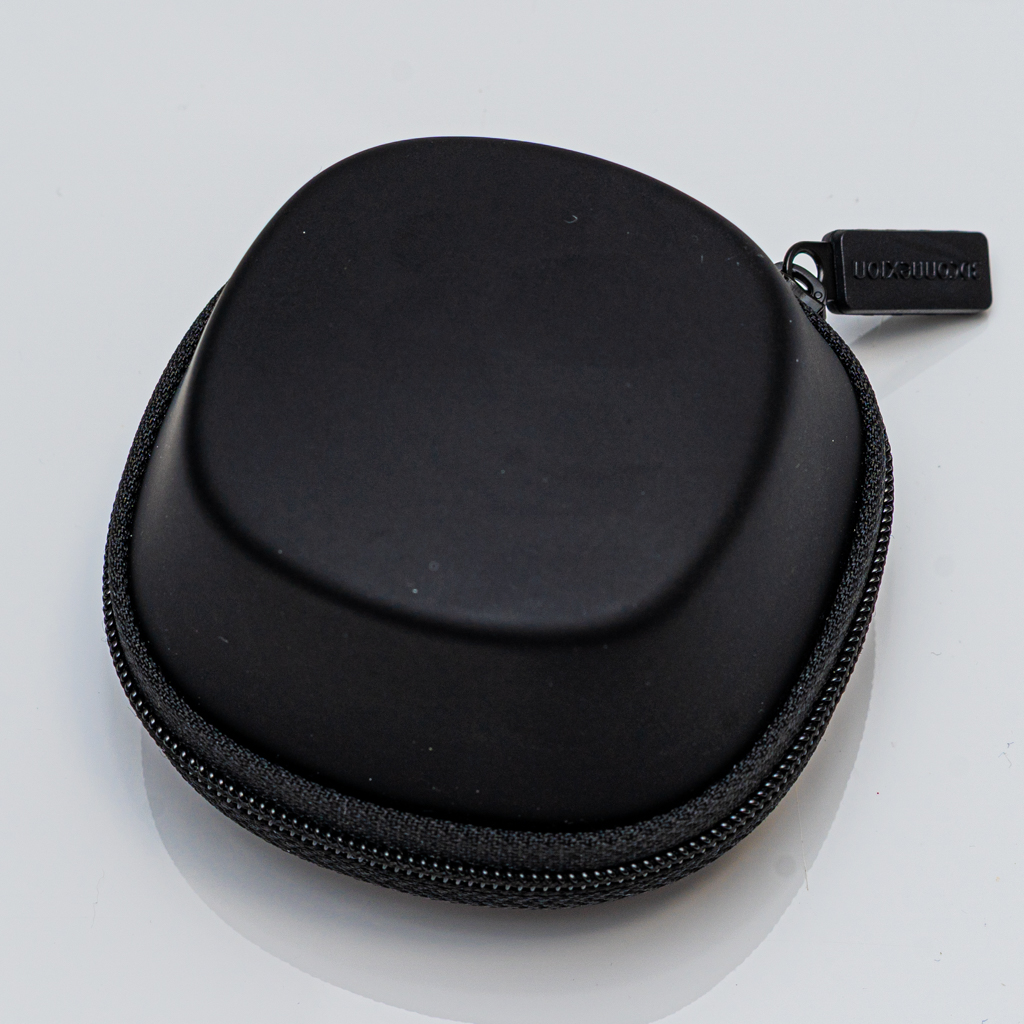
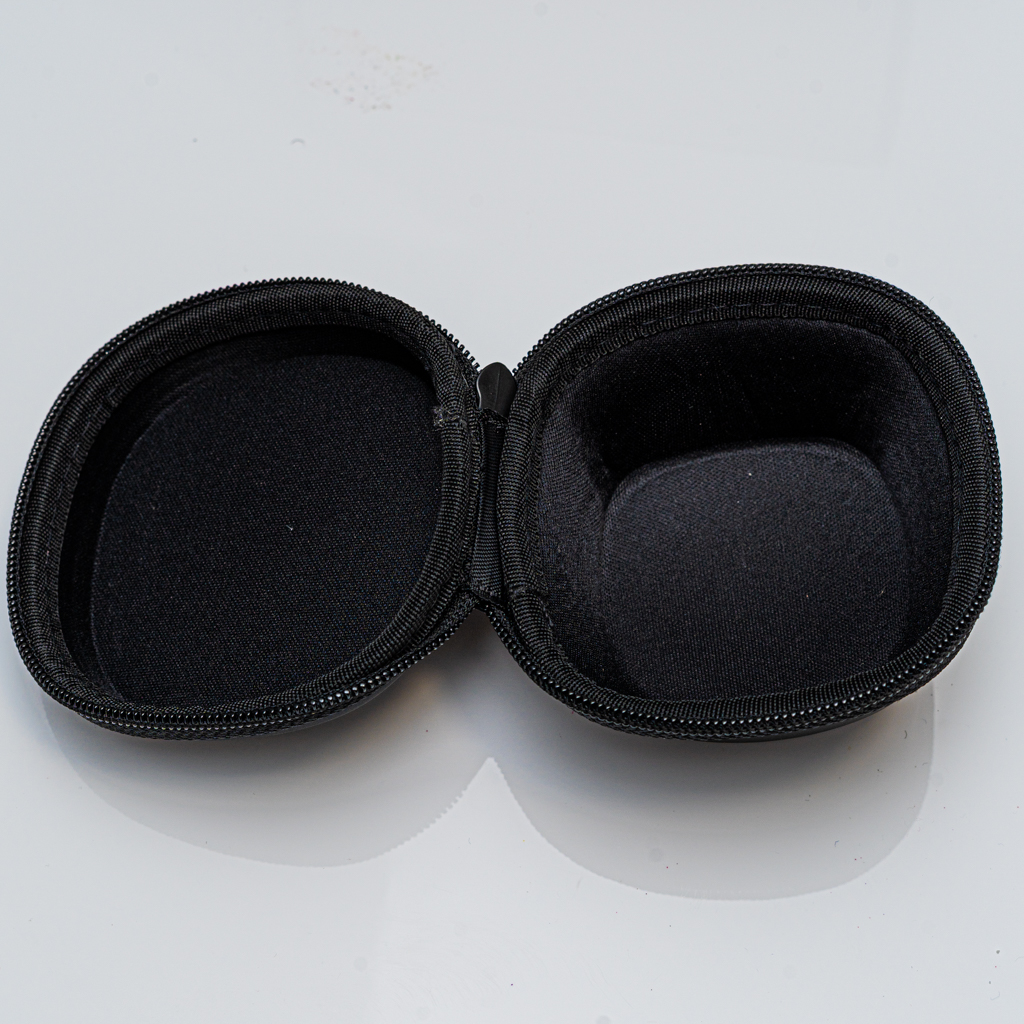
The SpaceMouse 3D comes well equipped with useful accessories that add to its overall value. In the box, you get a USB‑C cable for charging and wired use, a wireless dongle for a stable connection on systems without Bluetooth or where maximum reliability is needed, and a protective carrying bag. The bag is ideal if you travel or move between workspaces, keeping the device safe from scratches and dust. Overall, the included accessories feel thoughtful and professional, matching the quality of the device itself.
Final Thoughts
If you spend hours modelling, animating or designing in 3D, the SpaceMouse 3D is a worthwhile investment. It improves workflow efficiency, reduces hand strain, and brings a more natural way to interact with 3D space. For me, especially on an iMac with Blender, it has become an essential part of my setup.