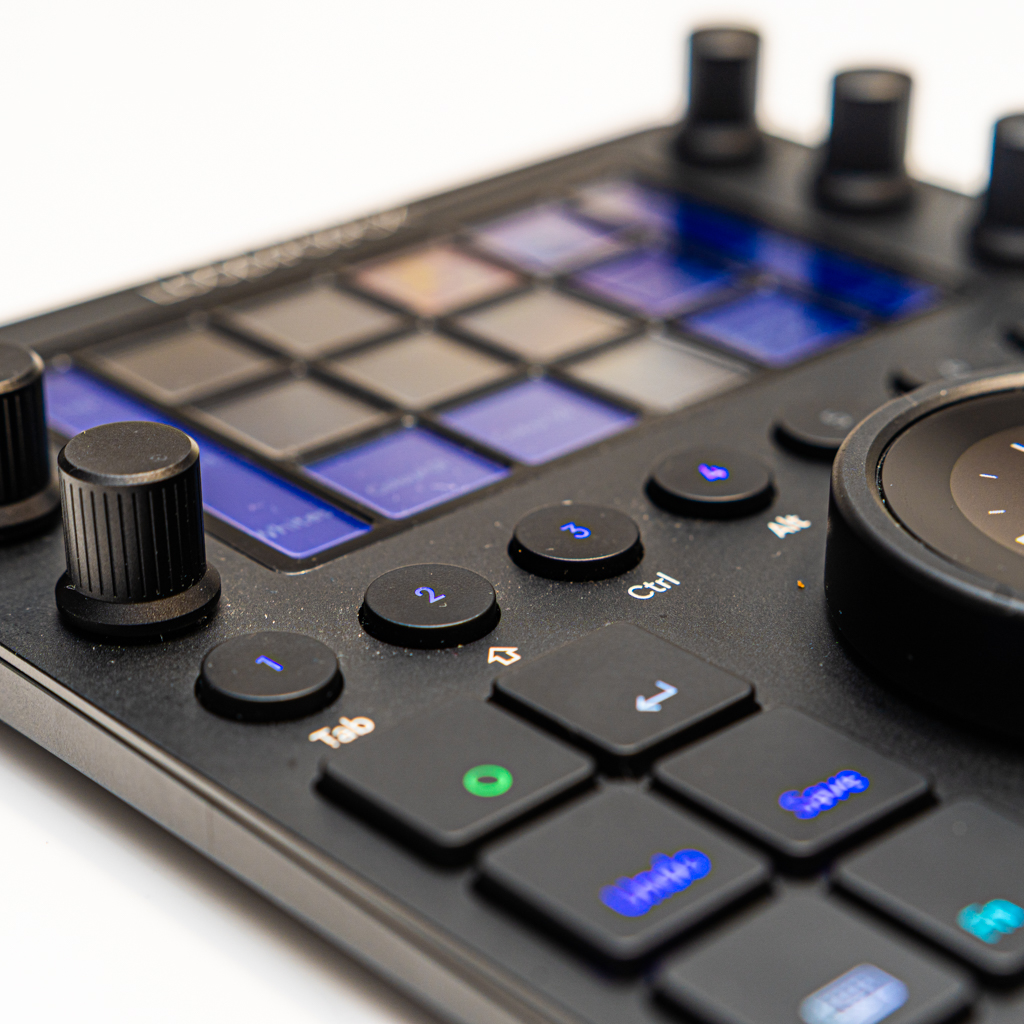
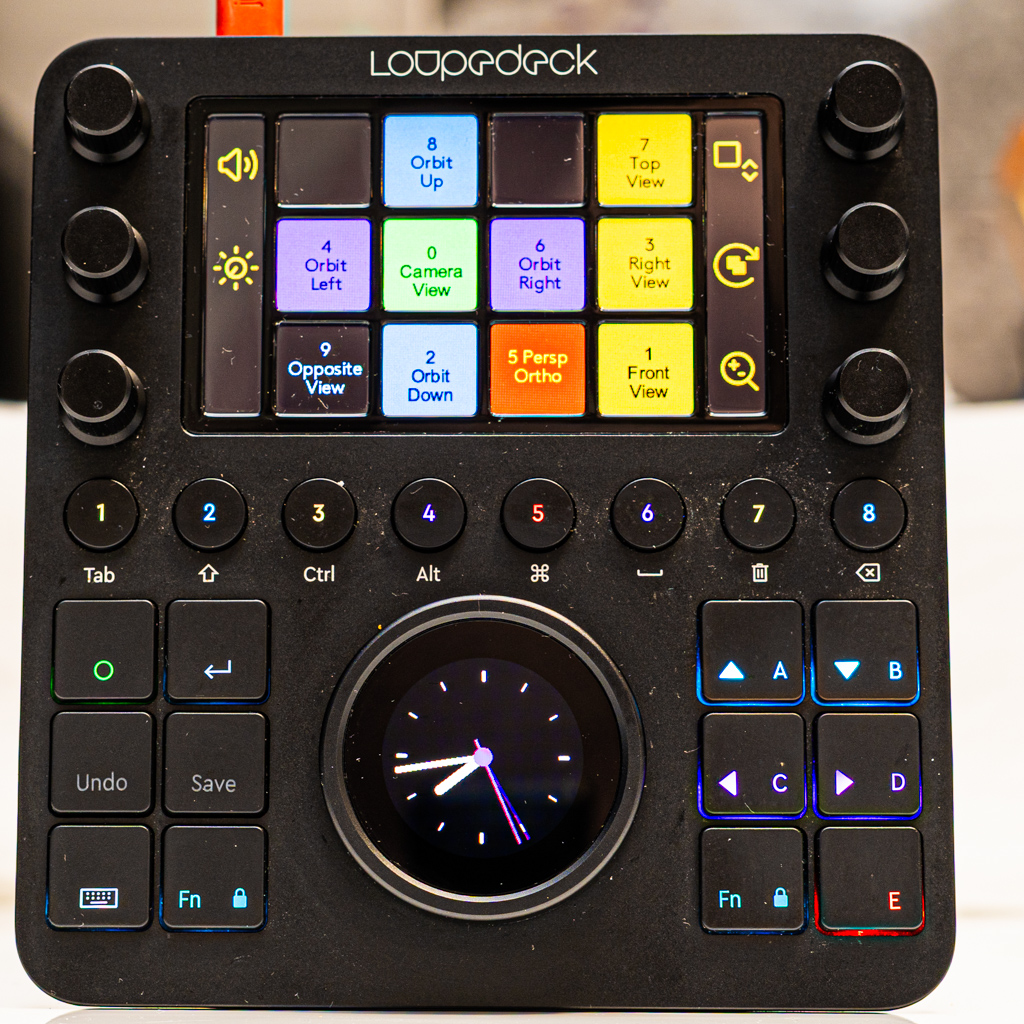
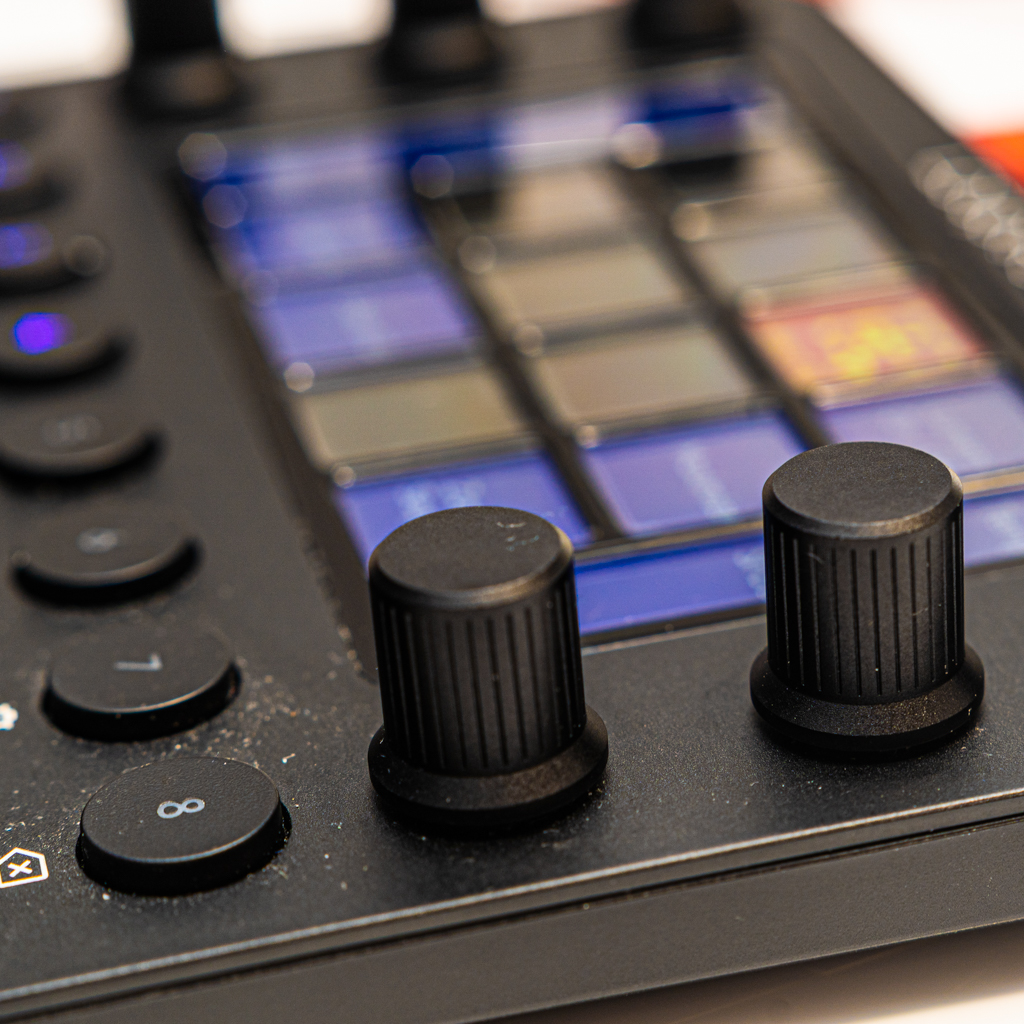
The Loupedeck CT is a powerful control surface designed for professionals who want faster, more ergonomic workflows. I use it on macOS, mainly with Adobe Premiere Pro, After Effects, Lightroom Classic, and also OBS Studio, and it has significantly increased my daily productivity.
You can find a nice case for this HERE
Wired and Reliable Setup
The Loupedeck CT works via USB cable only. There is no Bluetooth and no internal battery, which in practice is not a drawback. The wired connection is stable and reliable, ideal for long editing sessions without worrying about charging or signal issues. In the box, you get only the USB cable, nothing else.
Smart Software with Per‑App Profiles
One of the strongest features is the software. It allows separate profiles for each application, and the device automatically adapts when you switch apps. You can save these profiles, export them, and reuse them on other machines, which is extremely useful if you work on multiple setups (home and work, for example).
Lightroom Classic: Knobs That Truly Shine
In Lightroom Classic, the Loupedeck CT is outstanding. I have multiple rotary controls configured for parameters such as Exposure, Brightness, Contrast, Shadows and Highlights.
You can assign any Lightroom slider to the physical dials. Each dial can also be pressed as a button, and I use this click function to reset the parameter to default, which feels very natural and fast.
This alone removes a huge amount of mouse scrolling from my workflow.
Premiere Pro and After Effects: Timeline Precision
In Premiere Pro and After Effects, the jog wheel becomes essential. Scrubbing and moving the playhead along the timeline is far more precise and fluid than using a mouse or trackpad. This makes editing, trimming and fine adjustments much faster and more comfortable.
Overall, it gives a noticeable boost in editing speed and keeps you focused on the timeline instead of constantly switching input methods.
Everyday macOS Use
Even outside creative apps, the Loupedeck CT is very useful. On a system level, I have controls set for:
- Volume
- Page zoom
- Page scroll
- Screen brightness
- Mute and general media controls
This makes everyday macOS navigation smoother and more efficient, especially when working long hours.
Ergonomics and Health Benefits
One unexpected but very important benefit is reduced arm strain. I had issues with arm pain (LER), and the Loupedeck CT helped a lot.
Scrolling web pages, scrubbing timelines in After Effects and Premiere, and adjusting sliders in Lightroom are no longer done via mouse scroll. This reduction in repetitive mouse movements made a real difference in day‑to‑day comfort.
Daily Use and Portability
I use the Loupedeck CT every day. I carry it in my backpack to work and also use it at home. Despite being a solid device, it integrates easily into different setups and environments.
OBS Studio Compatibility
It is also very useful with OBS Studio, where custom buttons and controls streamline live production and recording tasks.
Final Thoughts
The Loupedeck CT is not just an accessory — it is a serious productivity tool for creative professionals. With excellent software, deep customisation, strong integration with Adobe apps, and real ergonomic benefits, it quickly becomes central to your workflow. If you edit, colour grade or work on timelines daily on macOS, it is a highly worthwhile investment.